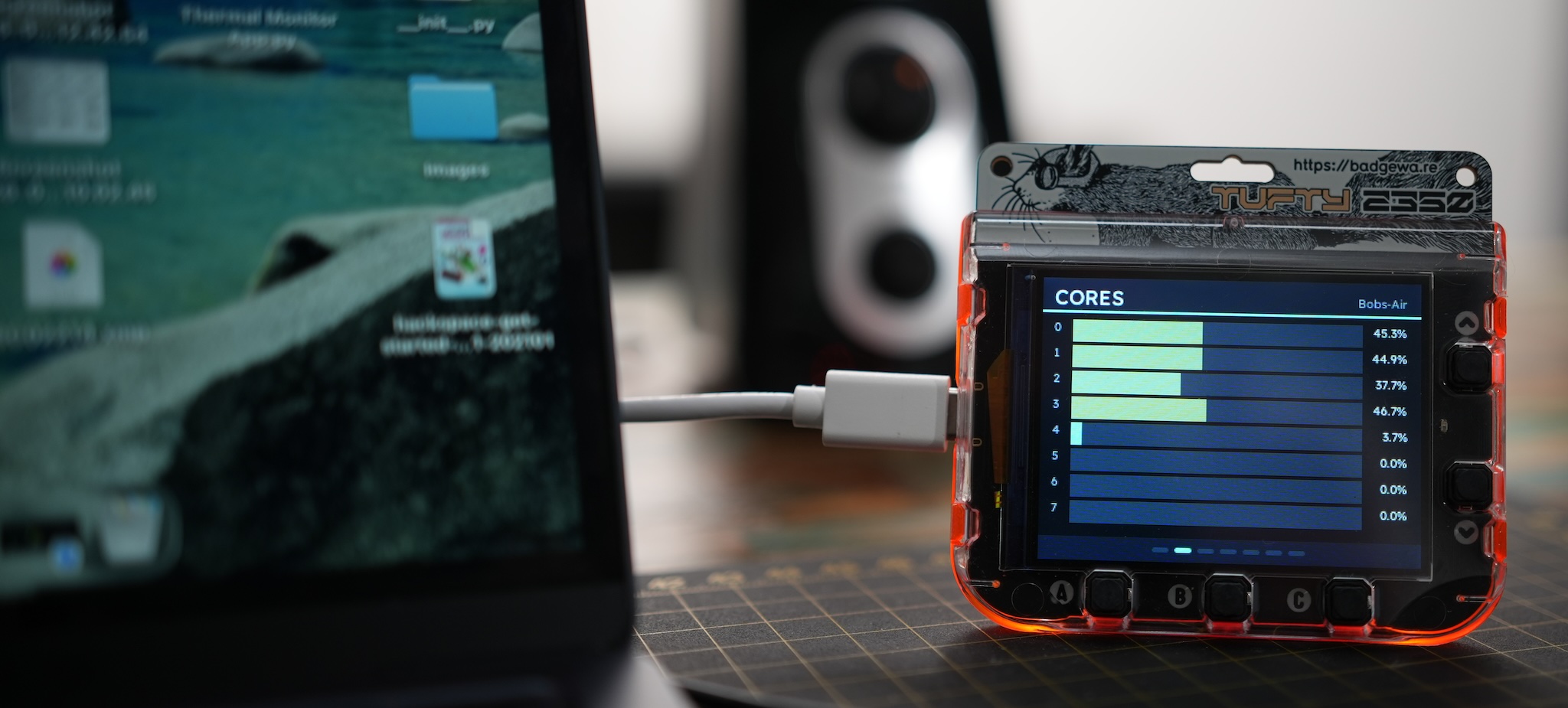
System stats à la carte
Build your stats overview with a selection of pages from bar graphs and waterfalls to big, bold gauges. Everything configured via a web UI on your computer and pushed to your badge(s) at the press of a button.
-
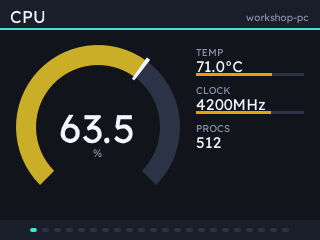
dial - one reading as a gauge, with optional bars to the right. -
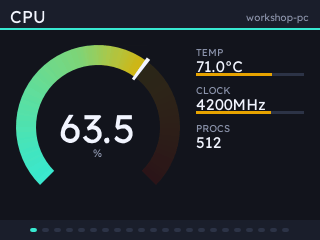
Or filled with the theme's colour ramp, swept around the arc. -
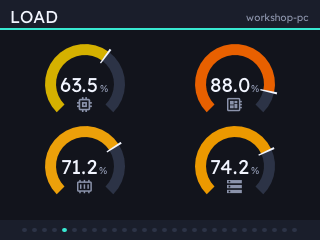
dials - up to four simultaneous gauges. -
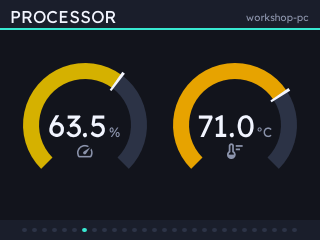
Ask for fewer and they are drawn bigger. -
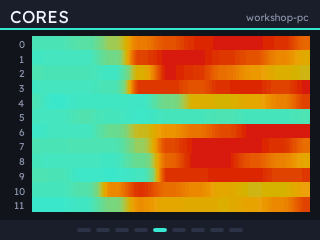
waterfall - a list field as lanes over time, interpolated between polls. -
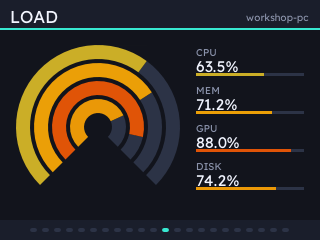
rings - up to four readings as concentric gauges, coloured by value. -
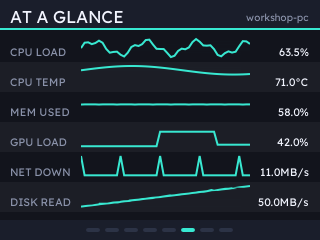
spark - six readings at once; name, current value and recent history. -
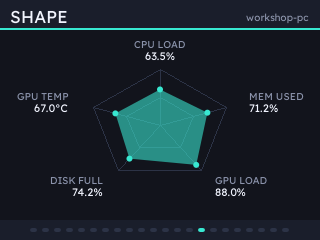
radar - visualise the shape of the load. -
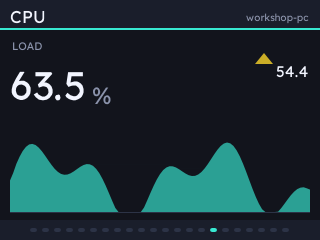
trend - one big reading, where it's going and where it has been. -
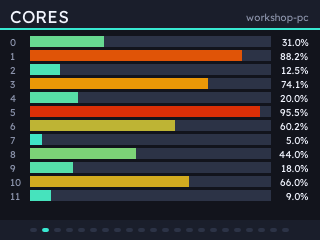
bars - a complete overview of CPU cores. -
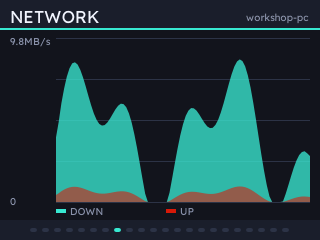
graph - two series over time. -
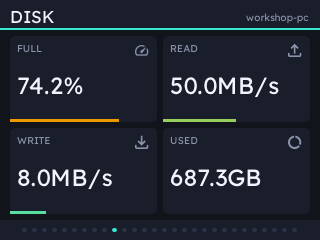
grid - up to six readings; big numbers and little bars.
Statsbadge badge stats
Two pages report info about your system and your badge.
-
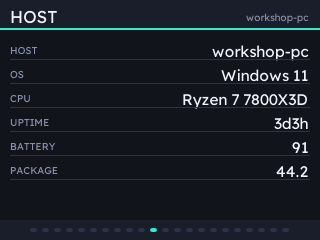
text - the host: its name, OS, processor and how long it has been up. -
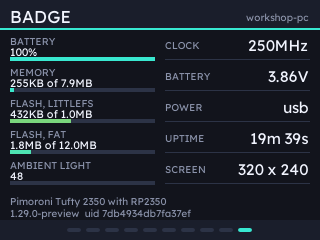
badge - the badge: battery, memory, flash, ambient light and what build it is running.
Twenty-two themes, and forty-eight accents
Everything is drawn as crisp, vector shapes from the theme's palette. Choose from a selection of sixteen finessed themes:
-
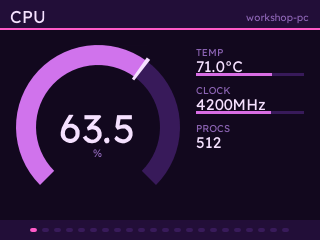
Vapor -
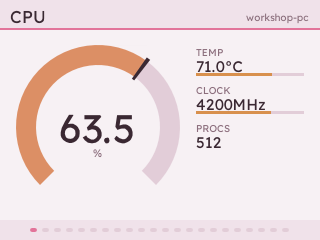
Sakura -
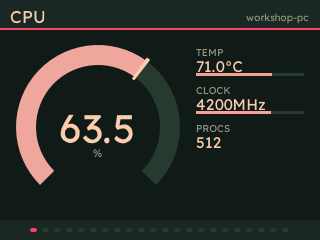
Watermelon -
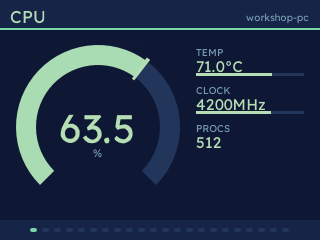
Shell -
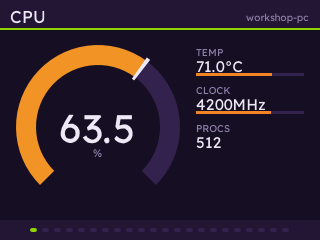
Eva01 -
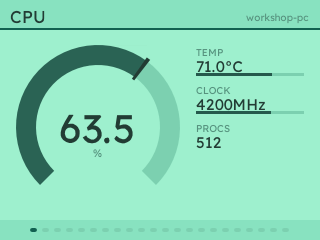
Luminescence
Or from six you can tint with one of forty-eight accents:
-
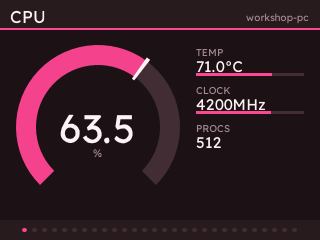
Tinted Bold, magenta -
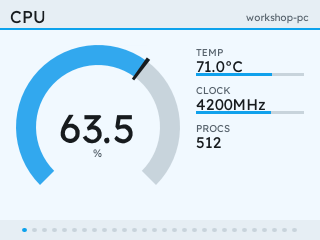
Tinted Bold, blue, in its light mode -
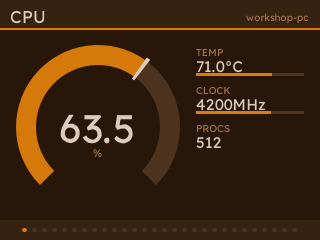
Tinted Glow, amber - one hue, low contrast for a vintage look
Extensions
Manage and install extensions with ease. We've built a clock extension as an example: a Swiss railway face, joined by dots, squircle, digital and seven-segment LCD faces, all with weather from Open-Meteo.
-
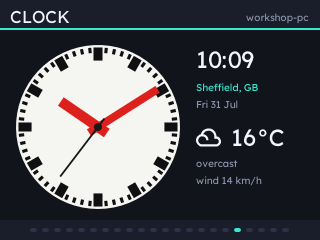
Railway -
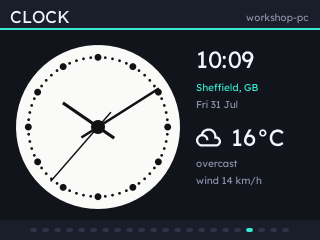
Dots -
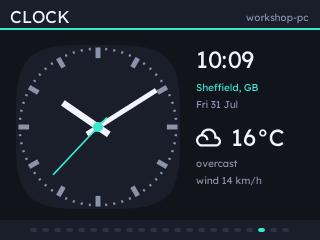
Squircle -
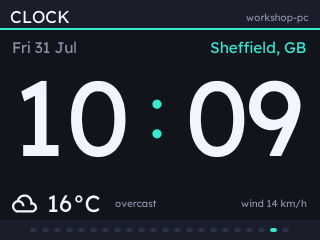
Digital -
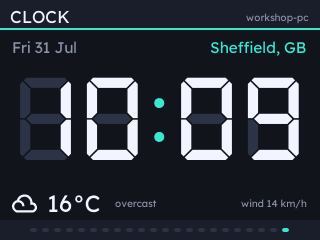
Digital LCD
statsbadge ext add clock
statsbadge install            # pushes the badge-side code too
Then add a Clock page in the config UI.
ext add keeps the list of extensions beside your config. ext to see what's installed.
Something to look at
Two more extensions draw the ISS transit and recent earthquakes over crisp, colour-themed world maps. Both take open feeds; with no API key nor account needed.
-
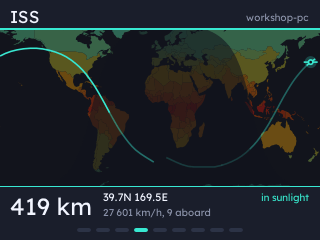
ISS - where the station is, an orbit of ground track either side of it, and the day and night terminator drawn from the sub-solar point. -
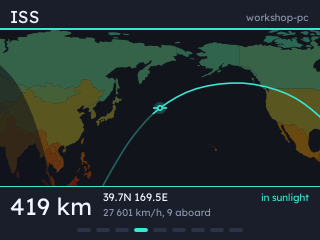
Or closed in, travelling with it. Altitude, speed and the crew aboard come with the position. -
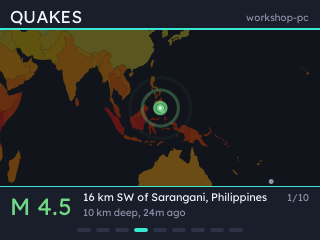
Quakes - recent events from USGS, the reticle coloured by magnitude.
statsbadge ext add iss quakes
statsbadge install            # pushes the badge-side code too
Then add an ISS or a Quakes page in the config UI.
Extension ecosystem
Build your own extensions or explore those built by others. Extension data sources are added to the same pickers as your stats. One page can hold, for example, a follower count, a domain's traffic and a temperature.
-
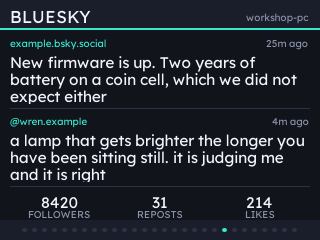
Bluesky - any number of handles and feeds. The latest post and reply are messages; followers, likes, reposts and quotes are numbers. Public APIs, no login and no keys needed.
gadgetoid/statsbadge-bluesky -
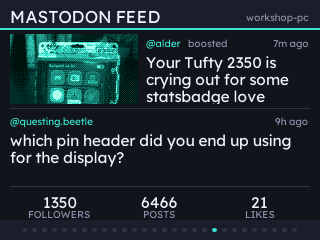
Mastodon - your timeline, mentions and notifications as messages, with followers, posts and unread as counters in the strip along the bottom. The first attached photo is cropped, dithered and redrawn in the theme's colours.
gadgetoid/statsbadge-mastodon -
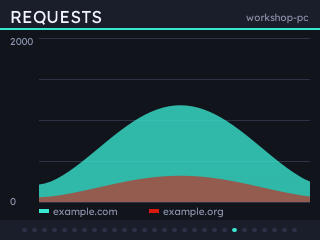
Cloudflare - every domain on your account, with requests a minute, bytes a second, cache hit rate and the day's totals. The history comes from Cloudflare as a day of hourly points, so a graph has a shape the moment you add it.
gadgetoid/statsbadge-cloudflare
statsbadge ext add bluesky mastodon cloudflareThen set each one up under Extensions in the config UI: handles and feeds for Bluesky, an instance and a read-only token for Mastodon, an API token for Cloudflare. Mastodon and Cloudflare tokens are stored on the host and never travel to the badge.
On the badge
| Button | What it does |
|---|---|
| UP/DOWN | previous/next page |
| A B C | whatever the host has bound them to, if anything |
| HOME | open the hosts menu |
| HOME, held | leave the app |
Pair with more than one machine and the badge uses whichever it can reach, switching by itself when the current one goes quiet. Credentials are keyed on a server id, following hosts across networks and address changes.
What it reports
A field the host cannot measure is null, and pages that need it are dropped.
- cpu
- load, per-core, temperature, clock, load average, processes
- mem
- used, total, percentage, swap
- gpu
- load, temperature, VRAM, power, clock, fan
- net
- up/down rate and totals, interface
- disk
- used, total, percentage, read/write rate
- power
- battery, charging, time left, package watts
- fans
- name, RPM, percentage
- sys
- host, OS, architecture, CPU name, uptime
Most data comes from psutil, which provides the same stats on every platform. Though there are some quirks:
- NVIDIA cards are read through NVML, the library behind
nvidia-smi. Add it withstatsbadge[nvidia]. - Linux takes CPU temperatures and fan speeds from the kernel's hwmon sensors, and an AMD card straight from the driver's files under
/sys. - macOS asks
ioregabout the GPU. Temperatures, fans and package power need root, so they stay off unless you run with--powermetrics. - Windows tells an ordinary program nothing about temperatures without a driver, so those come from LibreHardwareMonitor's web server.
Install
A server on the host measures things and serves them; the badge app fetches and draws them.
Requires a Badgeware Tufty 2350 with firmware v3.1.0
Windows and macOS: take the app from the latest release. It carries everything below, and the clock, ISS and quakes extensions, with nothing to install first. Neither app is signed, so the first launch wants right-click > Open on macOS, or More info > Run anyway on Windows.
Otherwise install it with uv, from any shell on Linux, Terminal on macOS, or PowerShell on Windows:
Then open http://127.0.0.1:8420/ to pick screens, themes and button bindings. No cable? statsbadge pair and the badge finds the host by itself.
The server itself never runs as root: on macOS it spawns sudo -n powermetrics, so that flag wants a passwordless sudo rule for that one command line and nothing wider. Windows reads its temperatures and fans from LibreHardwareMonitor, so leave it running with Options > Remote Web Server > Run. Take it from the project's releases: the similarly named .com is not theirs.
Security
Plain HTTP on the LAN, with every request signed HMAC-SHA256 against a shared secret from pairing, and a counter the host refuses to accept twice. So a command cannot be forged or replayed, and an unpaired device on the network learns nothing. The config API is bound to loopback because it can mint secrets.